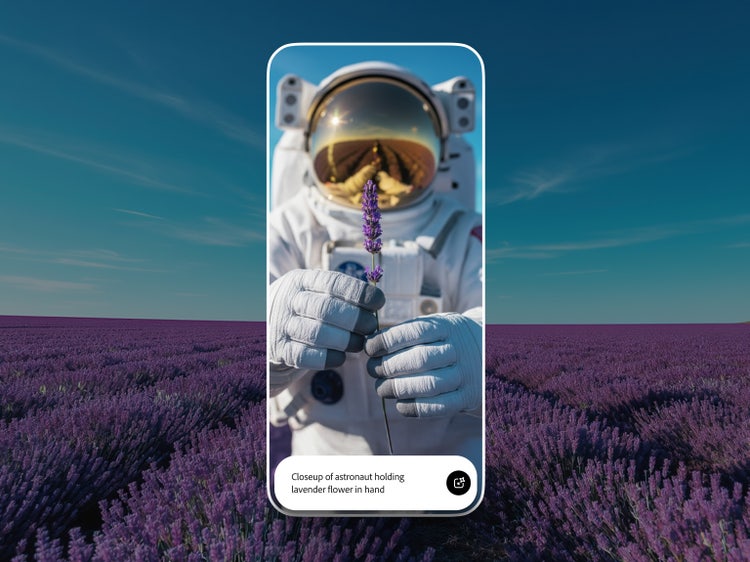
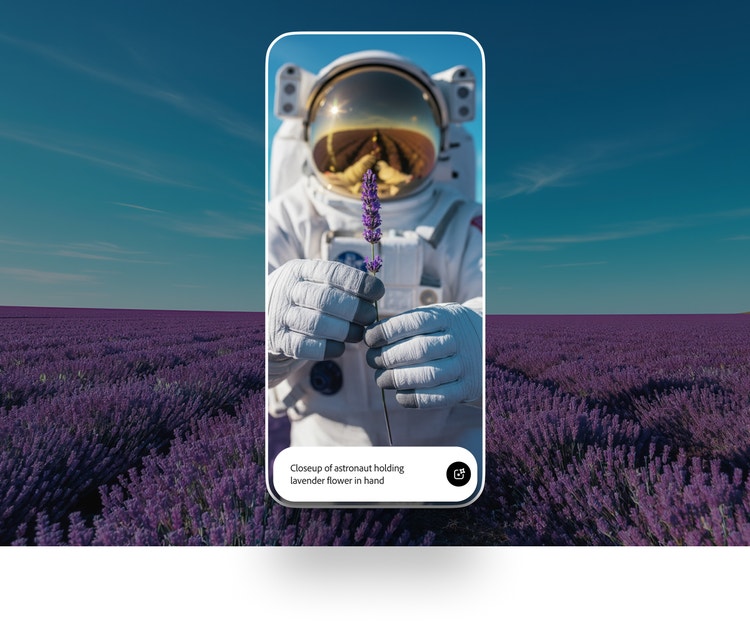
Create anywhere with the Adobe Firefly mobile app.
Get the power of instant creative AI in the palm of your hand. Generate, ideate, and refine whenever inspiration strikes. Plus, check out the new faster, smarter Firefly app for iPhone.
Scan QR code to get the free app.
Why use the Firefly app.
The Firefly mobile app brings together image and video generation, sound effects, and AI-powered editing tools in a single mobile experience. The app is deeply integrated with Adobe’s professional creative tools, making it easy to move from on-the-go inspiration to production-ready content.
style
Grid width 8
Generate and edit video on the fly.
Turn a text prompt into a video clip or generate video from your own reference image with Image to Video, right from the Firefly app. Choose from a range of resolutions and aspect ratios to meet your creative needs, and even add sound effects. And now you can use the Firefly AI video editor to trim and rearrange clips, and add titles, voiceover, and audio.
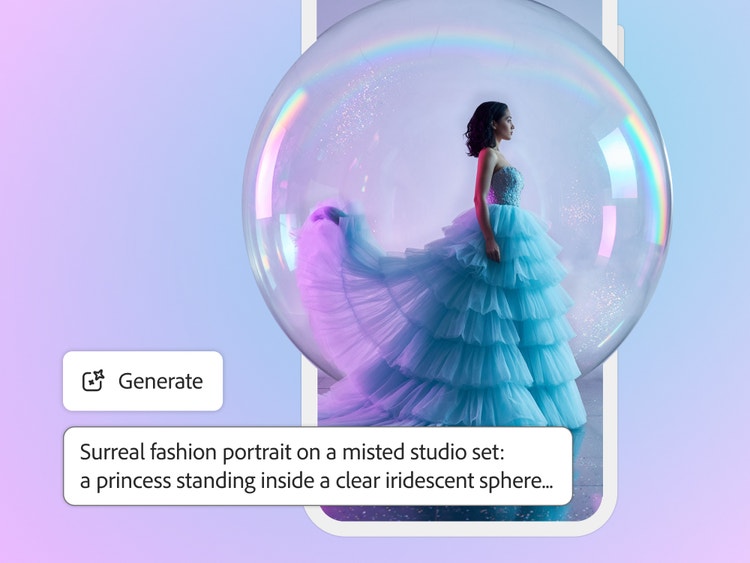
Create stunning images on the go.
Dream it. Type it. See it. You can generate wow-worthy content in no time with Generate Image in the Firefly app.
Prompt to edit, right on your phone.
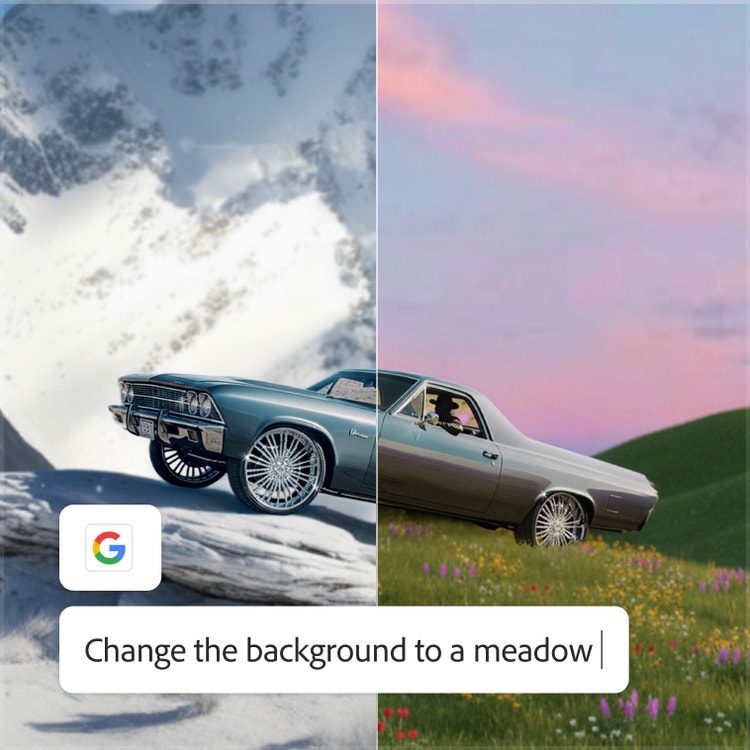
Refine and edit photos easily with the Firefly AI photo editor. Use Prompt to Edit to describe your changes in plain language, adding or removing objects, swapping backgrounds, or refining details instantly.
Start on mobile. Finish anywhere in Creative Cloud.
Generate and refine on the go with fast tools. Your work syncs automatically across desktop and web, so you can export your images and videos to other Adobe apps. And with the new Firefly app for iPhone, you can open generated images and videos directly in Adobe Photoshop, Premiere, and Adobe Express.
Choose from multiple models in a single generative AI app.
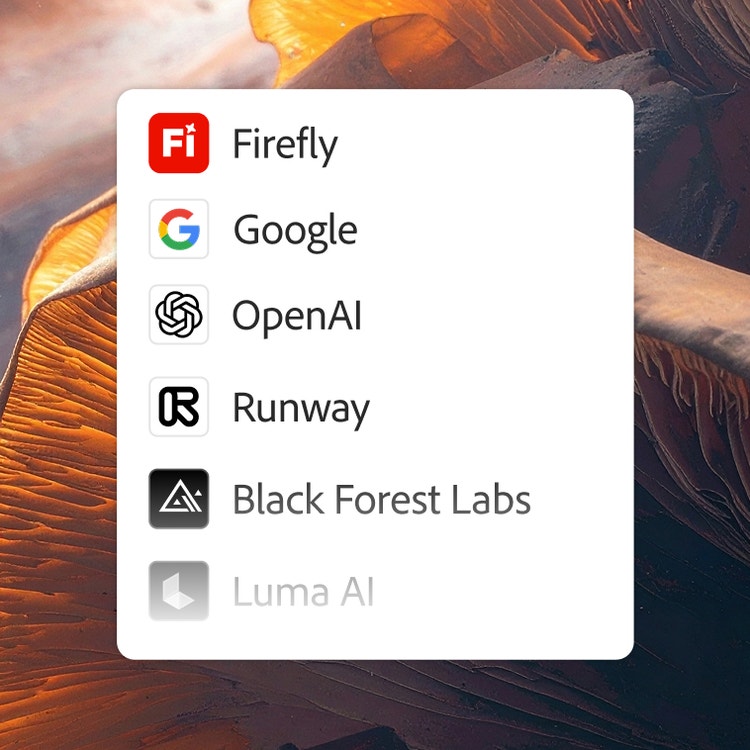
Choose top AI models from Adobe, Google, OpenAI, Runway, and more to create your best content ever.
Mix and layer outputs to best suit your vision. More models means more creative range, and you get them all with one login.
The AI you need. When you need it.
Whether you’re doing full-on generative AI work, or just getting a fast workflow assist, you always have the right model for the job.
Astounding power. Abundant controls.
Make the most of these advanced AI capabilities with the creative control you expect from Adobe. It’s all included.
style
Three up, xl spacing
background
#1D1D1D
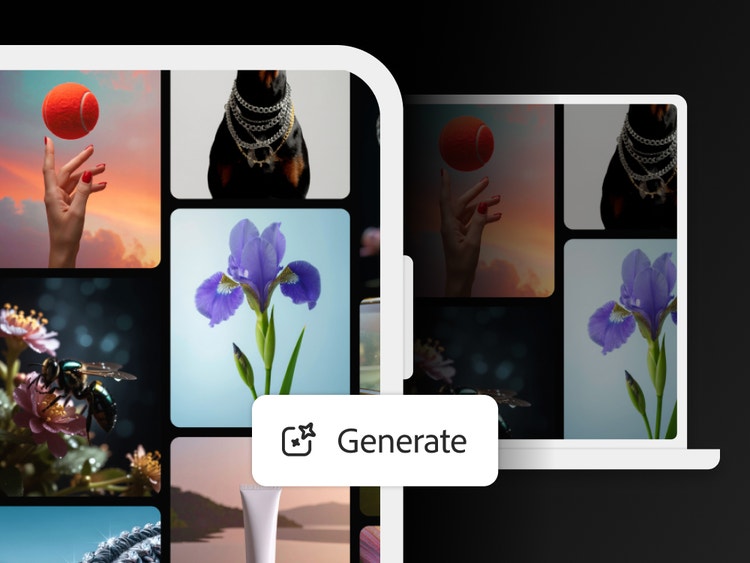
Get your inspiration to go.
Kickstart your creative journey by exploring proven prompts from the Firefly community to remix and try yourself in the Firefly app. Start generating images and videos in just a few taps.
Yes, the Adobe Firefly mobile app is free to download from the Apple App Store and Google Play Store. The free app includes a limited number of free daily generations for trying features like Generate Image, Generate Video, and Generate Sound Effects. Additional access is available when you purchase an Adobe Firefly subscription.
The Adobe Firefly app includes a range of generative AI tools:
Generate Image and Generate Video
Generative Fill, Generative Expand, Generative Remove, and Prompt to Edit for image editing
AI video editing and sound effect generation
Access to partner AI models from Google, OpenAI, ElevenLabs, Luma AI, and Runway
Generate Image in the Adobe Firefly mobile app enables you to type a description of the image you want, and it generates a high-resolution image. You can refine results using controls for aspect ratio, content type, style, lighting, color, composition, and camera angle (subject to model availability).
Yes, in the Adobe Firefly mobile app you can generate video clips from text prompts or still images. With Generate Video, Image to Video, the AI video editor, and other AI tools, creators can move from an idea to polished, shareable content in minutes.
The Adobe Firefly mobile app is best for creators who want to generate, edit, and refine images, audio, and video using AI on their mobile devices. The Adobe Firefly app is ideal for moving from text prompt to production-ready asset with precise creative control, access to both Adobe’s commercially safe models and top partner models, and seamless handoff to other Adobe Creative Cloud apps. Common use cases include rapid concept generation, video B-roll and sound design, and social media content creation.
The best free generative AI mobile app helps creators go from text prompt to polished images and videos fast, wherever they are, without sacrificing creative control. The Adobe Firefly mobile app makes this easy with intuitive features for turning text prompts into images and videos, generating sound effects, and editing with tools like Generative Fill, all available with free daily generations.
Yes, outputs from the mobile app generated using Adobe Firefly models can be used in commercial projects. Commercially safe Adobe Firefly models are trained on licensed content and public domain content where copyright has expired and never on Creative Cloud subscribers’ personal content. Adobe automatically attaches Content Credentials to generated content, providing transparency about AI usage. Learn more about Content Credentials on the Adobe Content Authenticity page.
The Adobe Firefly mobile app gives you access to partner generative AI models from Google, OpenAI, ElevenLabs, Kling AI, Luma AI, Runway, Black Forest Labs, and others, in addition to Adobe’s own Firefly models. Choose the model that best fits your creative task and aesthetic preference across text-to-image, text-to-video, and image-to-video workflows. Adobe Firefly is the only creative platform that brings together commercially safe Adobe models and top third-party models in a single app.
Yes, all Adobe Firefly plans include access to both the Adobe Firefly web app at firefly.adobe.com and the Adobe Firefly mobile app on iOS and Android. Your generative credits, projects, and preferences sync automatically across devices, so you can create and edit without interruption. This cross-device access is included on all tiers from Adobe Firefly Standard through Premium.
The Adobe Firefly app supports a wide variety of display and user interface languages. These include English, French, Spanish, German, Japanese, Korean, Chinese (Simplified/Traditional), Hindi, and many others.
Yes, the Adobe Firefly web app is free to use at firefly.adobe.com with a limited number of daily generations.
You can purchase generative credits by subscribing to an Adobe Firefly Standard, Pro, Pro Plus, or Premium plan, or by adding a credit add-on plan to your existing subscription. Adobe Creative Cloud plans also include a monthly allocation of generative credits that work for Adobe Firefly and other Adobe apps. If you run out of credits on any plan, you can purchase more directly within the Adobe Firefly app or on the credit add-on page.
New users can download the Adobe Firefly mobile app from the Apple App Store and Google Play Store to purchase the Adobe Firefly mobile plan in-app. Members who already have generative credits as part of their subscription are entitled to use their credits on Adobe Firefly across mobile and web apps.
style
sticky bottom, static links
Cookie Settings
General information
You can control how Adobe websites use cookies and similar technologies by making choices below. But note that if you disable cookies and similar technologies entirely, Adobe websites may not function properly.
Cookies are small text files stored by your web browser when you use websites. There are also other technologies that can be used for similar purposes like HTML5 Local Storage and local shared objects, web beacons, and embedded scripts. These technologies help us do things like remembering you and your preferences when you return to our sites, measure how you use the website, conduct market research, and gather information about the ads you see and interact with.
You can make choices in the menu below about what cookies and other technologies you want us to use on Adobe sites when you visit them from this browser. You can always change those choices later by clicking on the Cookie Preferences link at the bottom of the page.
If enabled:
We can improve your experience by tailoring the site and the content to things we think might be of interest
We can better keep track of your preferences — like what language you prefer to use
We will better understand your likely interests so we can provide you more relevant Adobe ads and content on non-Adobe websites and in non-Adobe apps
It will help us improve the performance of our website and those of our partners who use the Adobe Experience Cloud
If disabled:
We won’t be able to remember you from session to session so the experience may not be tailored to your interests
You’ll still have access to the content of the site but certain features that depend on cookies may not function
You’ll still see ads, they just may not be as relevant to you
General information
You can control how Adobe websites use cookies and similar technologies by making choices below. But note that if you disable cookies and similar technologies entirely, Adobe websites may not function properly.
Cookies are small text files stored by your web browser when you use websites. There are also other technologies that can be used for similar purposes like HTML5 Local Storage, web beacons, and embedded scripts. These technologies help us do things like remembering you and your preferences when you return to our sites, measure how you use the website, conduct market research, and gather information about the ads you see and interact with.
You can make choices in the menu below about what cookies and other technologies you want us to use on Adobe sites when you visit them from this browser. You can always change those choices later by clicking on the Cookie Preferences link at the bottom of the page.
If enabled:
We can improve your experience by tailoring the site and the content to things we think might be of interest
We can better keep track of your preferences — like what language you prefer to use
We will better understand your likely interests so we can provide you more relevant Adobe ads and content on non-Adobe websites and in non-Adobe apps
It will help us improve the performance of our website and those of our partners who use the Adobe Experience Cloud
If disabled:
We won’t be able to remember you from session to session so the experience may not be tailored to your interests
We’ll still count your use of our site and services
You’ll still have access to the content of the site but certain features that depend on cookies may not function
You’ll still see ads, they just may not be as relevant to you
Operate the site and core servicesOperate site and measure engagement
Always active
These cookies are required, and they are used to enable the site and related services core functionality. Without them the site could not operate, so they cannot be disabled.
These cookies enable the site and related services’ core functionality and collect statistics about user engagement, such as counting active use to help us understand trends. These cookies cannot be disabled.
Measure performance
These cookies are used to analyze site usage to measure and improve performance. Without them Adobe cannot know what content is most valued and how often unique visitors return to the site, making it hard to improve information we offer to you.
These cookies are used to analyze site usage to measure and improve performance. Without them Adobe cannot know what content is most valued, making it hard to improve information we offer to you.
Extend functionality
These cookies are used to enhance the functionality of Adobe sites such as remembering your settings and preferences to deliver a personalized experience; for example, your username, your repeated visits, preferred language, your country, or any other saved preference.
Personalize advertising
These cookies are used to enable Adobe and our partners to serve ads more relevant to your interests. Without them you will still see ads, but they might not be as relevant to you.