
From tutorials to partner perks, your membership has more than great apps.


Learn all about the tools and techniques you can use to create and publish books, digital magazines, posters, and more.

Ask questions and get guidance to build your skills without leaving InDesign, and let AI Assistant handle routine tasks so you can stay focused on design.
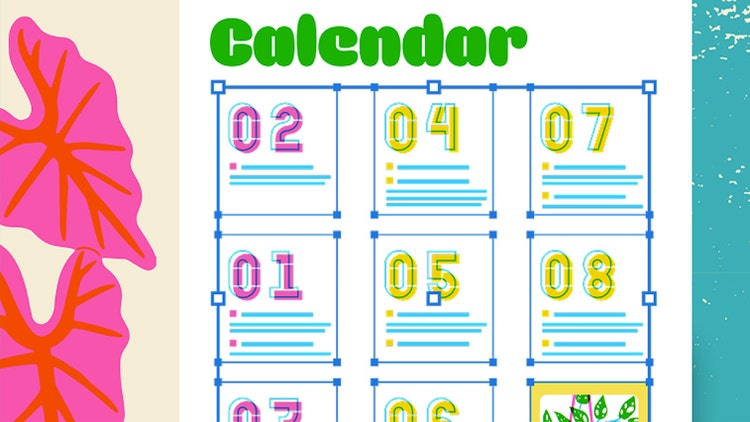
Save time realigning and get the design consistency you want. Flex Layout dynamically adjusts to content changes with precision and control.
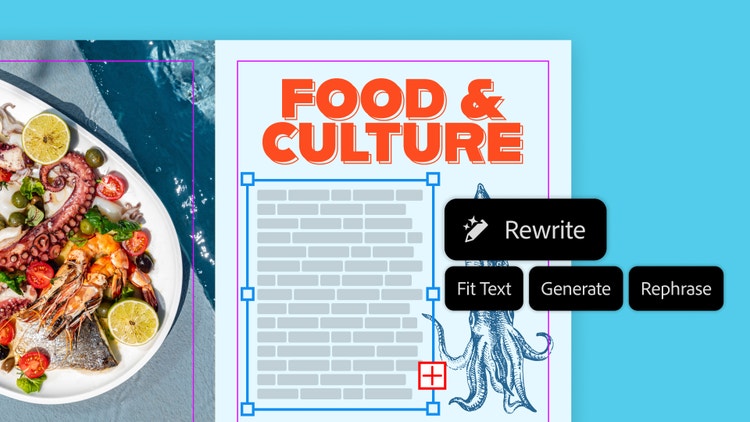
Get perfectly fitted words with layout-aware Rewrite. Quickly add realistic placeholder text or adjust length and tone so your copy fits your design without breaking your flow.
Refresh and republish marketing materials, books, and reports with Convert PDF to InDesign Document.
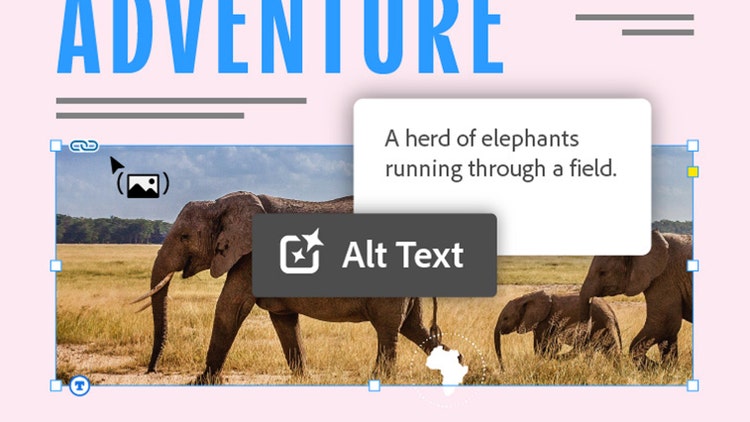
Save time and create accessible documents faster by generating alt text as you place images in your InDesign documents.
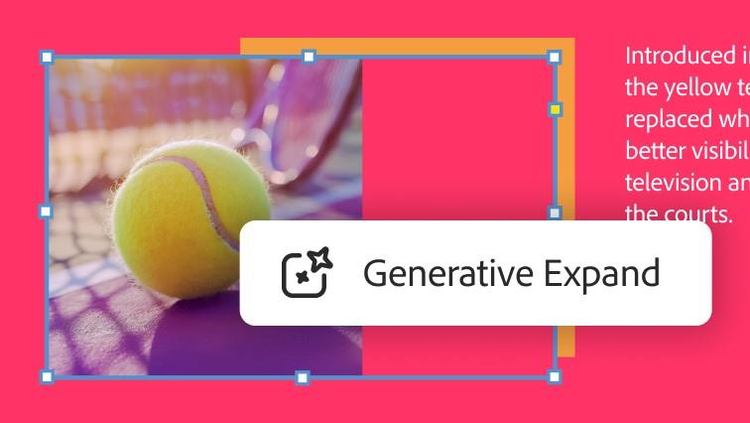
Pesky margins and bleeds are no match for AI-powered Generative Expand, now in InDesign. Resize images quickly and easily for a perfect fit.

Download high-quality templates from Adobe Stock right inside InDesign. Get fully editable layouts for everything from business cards to brochures and customize them as much as you like.
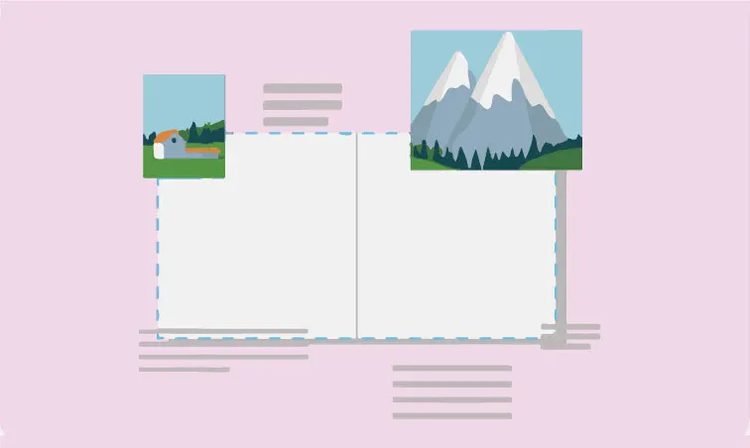
Save time making changes to an existing layout with the Adjust Layout feature, which automatically adapts elements to page size, margin, or bleed when the document changes.
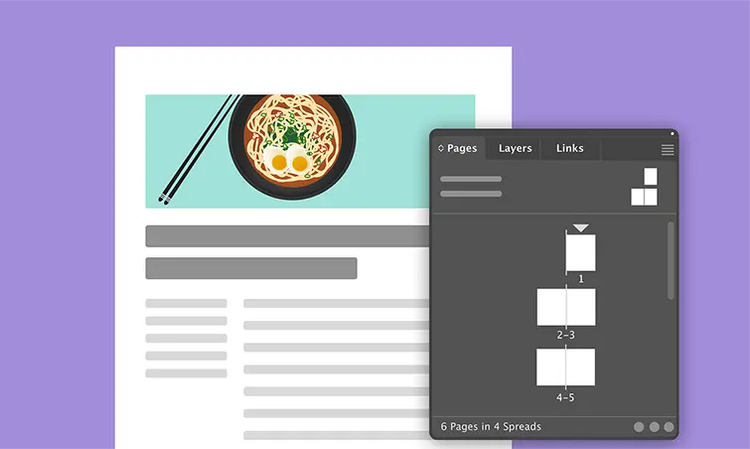
Make edits to a single page or a whole document with parent pages and reorder, duplicate, and recombine them in just a few steps with the Pages panel.
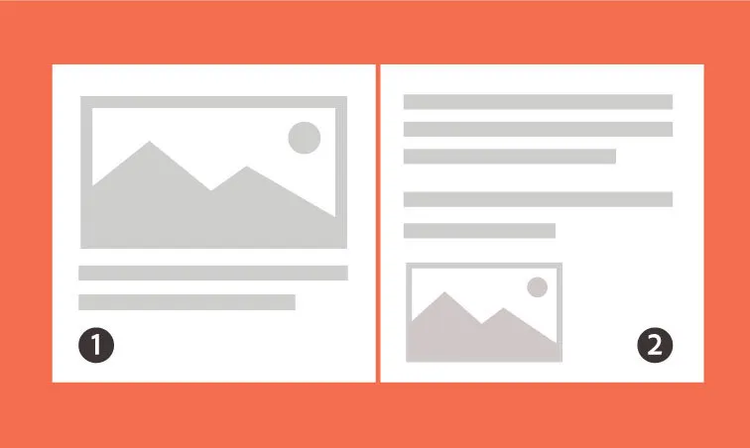
Add page numbers and chapters to large documents, format and style them to your liking, and set them to update automatically as your document changes.
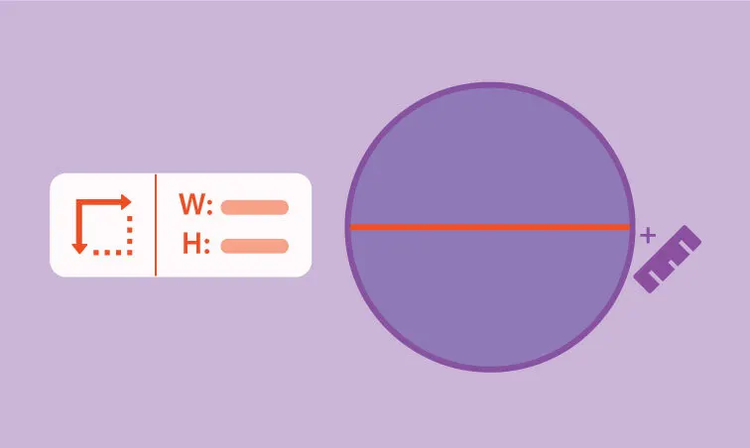
Use the Measure tool to determine the distance and angle between two points and create proportionate designs every time.
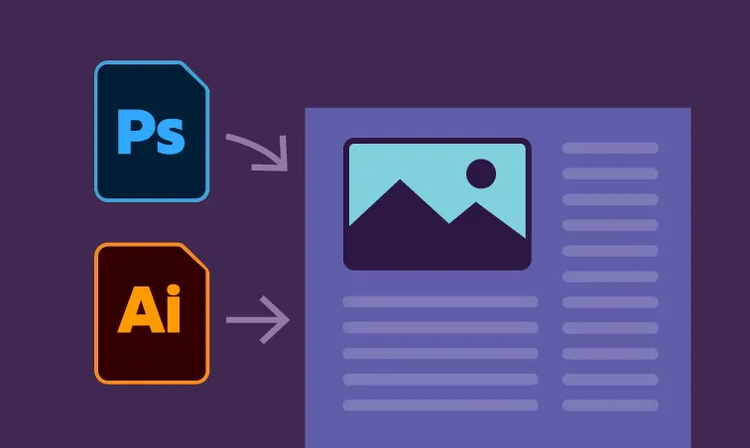
Copy and paste artwork and text from Adobe Illustrator and Photoshop. Import graphics, PDFs, videos, and text files. Plus, save and organize assets in Creative Cloud Libraries to access anytime.
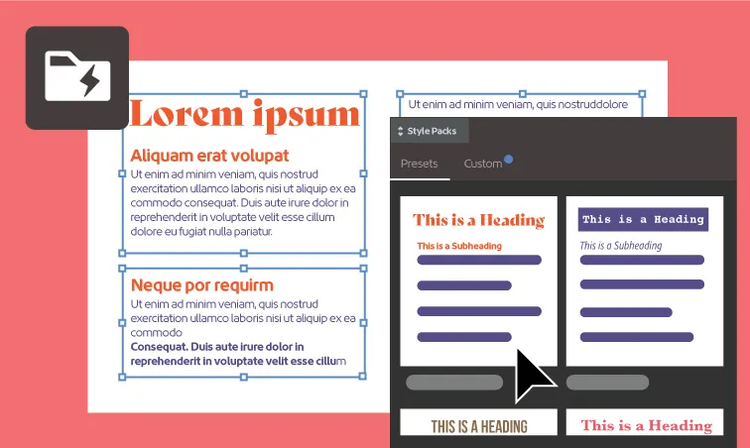
Effortlessly transform text into a polished document. Just select the text, choose a preset design that fits your needs, and Auto Style will place the appropriate text in headers, subheadings, paragraphs, and more.
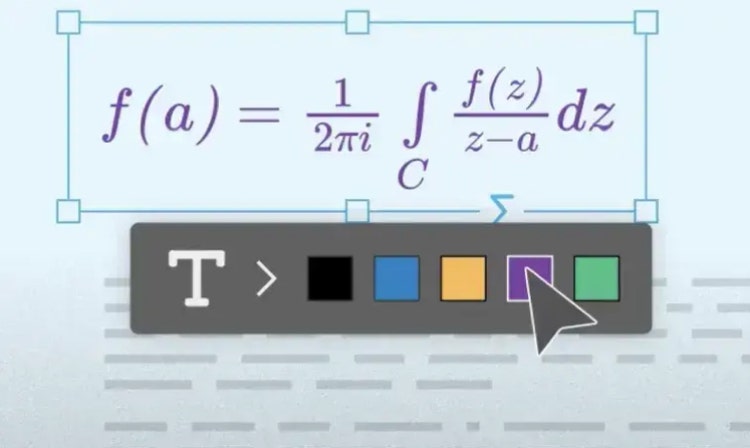
Create and style math and science notations in educational and scientific documents with accessibility-friendly MathML support.
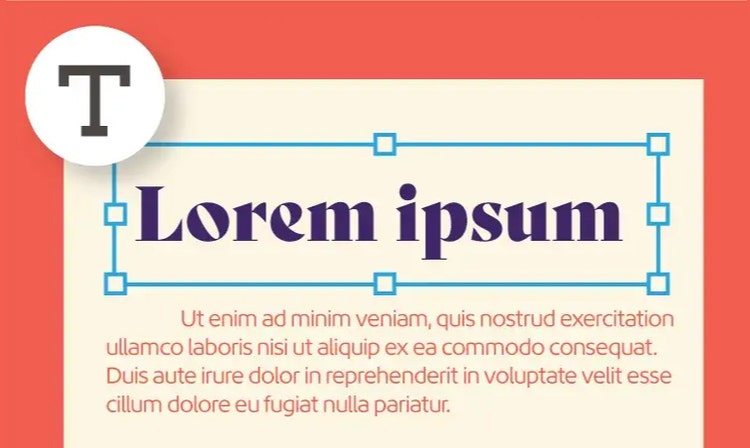
Find the perfect font for your layout with Adobe Fonts. Easily search, filter, and organize fonts right in InDesign. Work with OpenType and Variable fonts, and more.
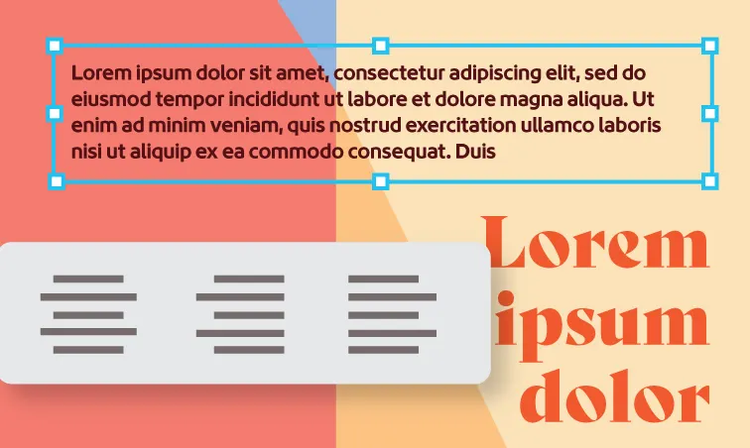
Use kerning and tracking to space out letters precisely, and apply Character and Paragraph Styles to your work to quickly format fonts and large amounts of text.

With Variable fonts, you can adjust details until a chosen type fits your exact style. Use the Character panel to quickly change the weight, width, and slant of a font.
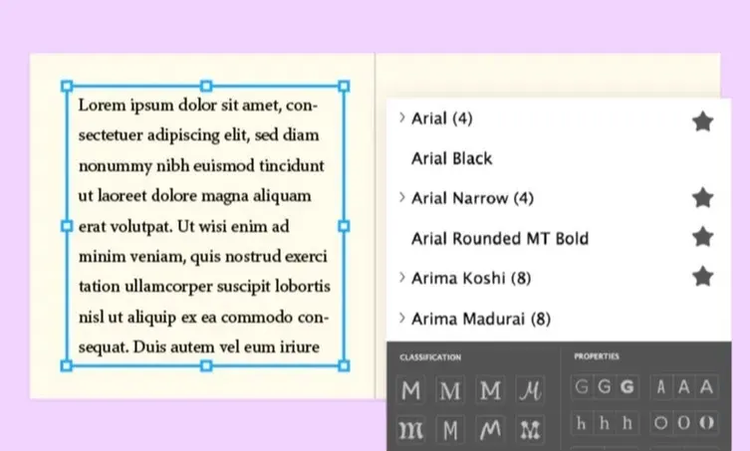
Favorite your preferred fonts so they’re easy to find, and search for fonts by classification, recently added, and more in the Font Family drop-down menu in the Character panel.
With cloud documents, you can share, save, and manage all your files on any surface where InDesign is installed. Autosave keeps content up to date with access to older versions just in case.

Use the Publish Online feature to create web versions of InDesign documents with buttons, animations, searchable text, and more. Plus, use Google Analytics to get reader insights.

Create a shareable link of your work for collaborators where they can provide feedback. Read their comments in-app and push updates to the same link.
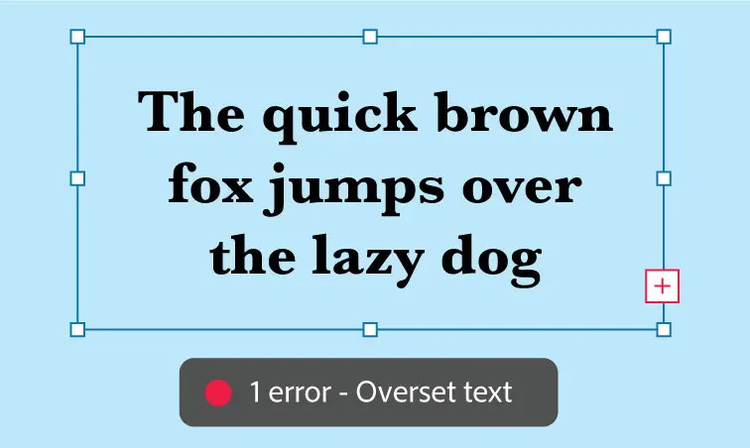
The Preflight panel detects things like missing files or fonts, low-resolution images, overset text, and other issues that should be corrected before printing.
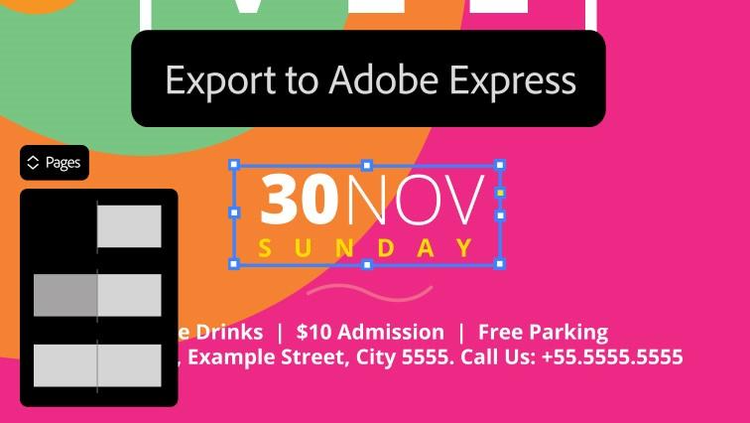
Now you can export files from InDesign to Adobe Express. Lock in elements from your layout, then share it with teams for quick edits and simple variations.
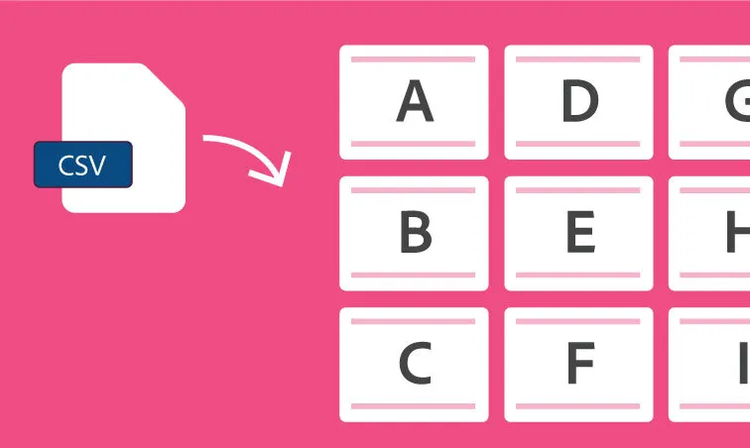
Use the Data Merge panel to combine a data source like a CSV or TXT file with an InDesign document and quickly generate variations of letters, envelopes, or mailing labels.
Find out how to use the tools and features in design projects like brochures, flyers, eBooks, and more — then try them for yourself.

InDesign features

InDesign features

InDesign features

InDesign features

InDesign features

InDesign features

InDesign features

InDesign features

26,64 €/moincl. VATAnnual, billed monthly
Create and publish brochures, digital magazines, eBooks, posters, and presentations with InDesign
Quickly and easily make standout social content, flyers, templates, and more with the all-in-one Adobe Express
Fonts, images, tutorials, and more
100GB cloud storage
25 monthly generative credits
The full version of InDesign plus the Adobe Express Premium plan.

Create and publish brochures, digital magazines, eBooks, posters, and presentations with InDesign
20+ apps for photo, design, and video
Unlimited access to standard creative AI image and vector features like Text to Image and Generative Fill
4,000 monthly generative credits for premium creative AI video and audio features like Text to Video.
Unlimited access to Firefly Boards for exploring ideas and developing storyboards
Access to non-Adobe Generative AI models in Firefly
Adobe Express Premium, Frame.io for Creative Cloud, tutorials, fonts, templates, and 100GB of cloud storage
Join over 7 million Creative Cloud Pro subscribers worldwide. Save 50% for the first 3 months on the full version of InDesign, plus Adobe Firefly creative AI. Pay 39,97 €/moincl. VAT for the first 3 months and 79,96 €/moincl. VAT after that. New subscribers only.
19,83 €/moincl. VATAnnual, billed monthly
Create and publish brochures, digital magazines, eBooks, posters, and presentations with InDesign
20+ photo, graphic design, and video apps including InDesign
Unlimited access to standard creative AI image and vector features like Text to Image and Generative Fill
4,000 monthly generative credits for premium creative AI video and audio features like Text to Video
Access to industry-leading AI models from Adobe, Google, OpenAI, and more
Unlimited access to Firefly Boards for exploring ideas and developing storyboards
Access to non-Adobe generative AI models in Firefly
Adobe Express Premium, Frame.io for Creative Cloud, tutorials, fonts, templates, and 100GB of cloud storage
Save 75% on 20+ apps, including InDesign, plus Adobe Firefly creative AI for images, video, and audio. Pay 19,83 €/moincl. VAT the first year and 40,99 €/moincl. VAT after that.
33,49 €/moper licenseexcl. VATAnnual, billed monthly
Create and publish brochures, digital magazines, eBooks, posters, and presentations
Quickly and easily make standout social content, flyers, templates, and more with the all-in-one Adobe Express
Fonts, images, tutorials, and more
1TB cloud storage
25 monthly generative credits
Exclusive business features
The full version of InDesign and the Adobe Express Premium plan, plus exclusive business features.
86,55 €/moper licenseexcl. VATAnnual, billed monthly
Create and publish brochures, digital magazines, eBooks, posters, and presentations with InDesign
20+ apps for photo, design, and video
Unlimited access to standard creative AI image and vector features like Text to Image and Generative Fill
4,000 monthly generative credits for premium creative AI video and audio features like Text to Video
Unlimited access to Firefly Boards for exploring ideas and developing storyboards
Access to non-Adobe generative AI models in Firefly
Adobe Express Premium, Frame.io for Creative Cloud, tutorials, fonts, templates, and 100GB of cloud storage
20+ apps, including InDesign, and Firefly creative AI for images, video, and audio, plus exclusive business features.

Create shaped, editable text directly in Photoshop without jumping into Illustrator. With Dynamic Text, your type automatically reflows as you adjust the shape, so you can find the right fit faster.

You can now easily bring Illustrator vectors into After Effects. Create keyframes for animation and bring complex artwork to life without losing fidelity or layer structure.
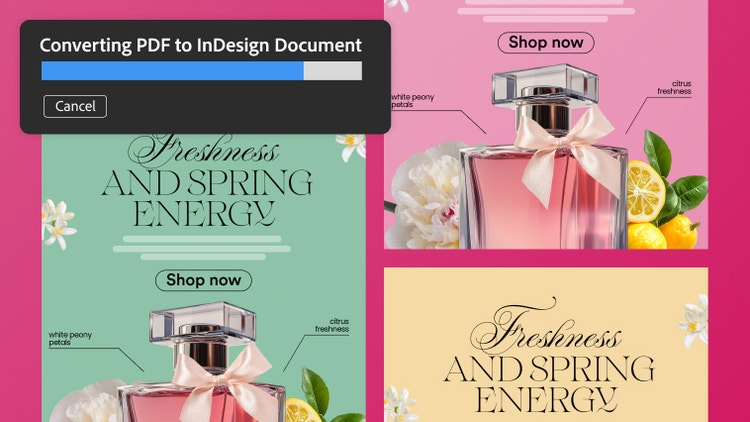
Turn PDFs into editable InDesign files while preserving everything in the original document. Retain tables, hyperlinks, fonts, and other elements, and fine-tune each piece in InDesign.





All Consent Allowed

